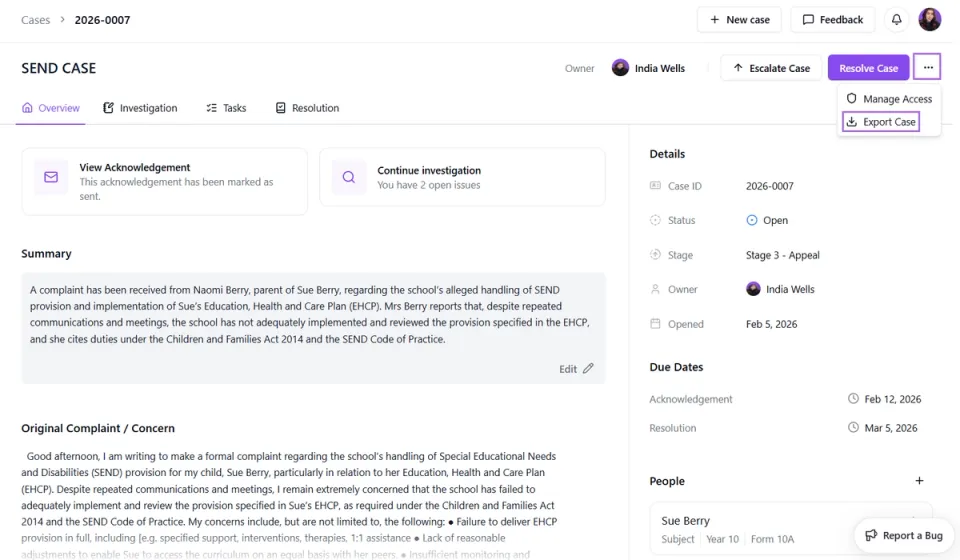
Exporting a Case
Last updated 19 February 2026
Within the three dots menu, you have the option to export the full case record. This allows you to download all case information, including notes and updates, as a single file.
When exporting, you can choose whether to include attachments. If selected, all uploaded documents and files linked to the case will be included in the download. If not selected, only the written case details will be exported.
This is useful if you need to save a copy for your records, share the case externally, or provide documentation for review or governance purposes.