Linking inbox correspondence to an existing case
Last updated 18 February 2026
In Companion, you have the option to link new correspondence to an existing case.
- Select Link to Case
- Locate the relevant case by searching using the Case ID, Title, or Description.
- Select Assign to Case to attach the email to the chosen case
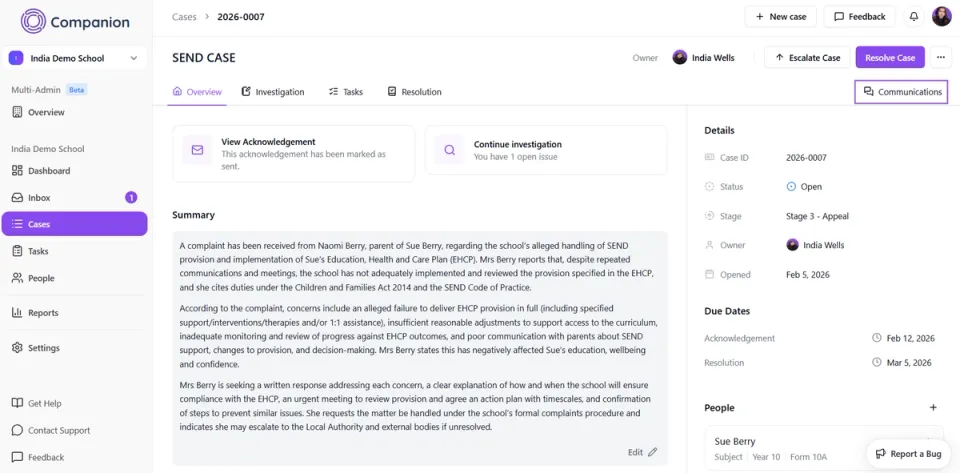
You can locate the linked correspondence by opening the relevant case in the Cases tab. Any associated emails and attachments will be stored within the Communications tab of that case for future reference.