Notifications
Last updated 19 February 2026
By default, all notifications are set to be delivered both within the platform and via email.
Within the Notifications area, you can manage your preferences and choose whether you’d like to receive notifications within the platform (web), via email or both.
For the Case Acknowledgement Reminder and Case Resolution Reminder, you can choose how far in advance of the due date you’d like to receive a notification.
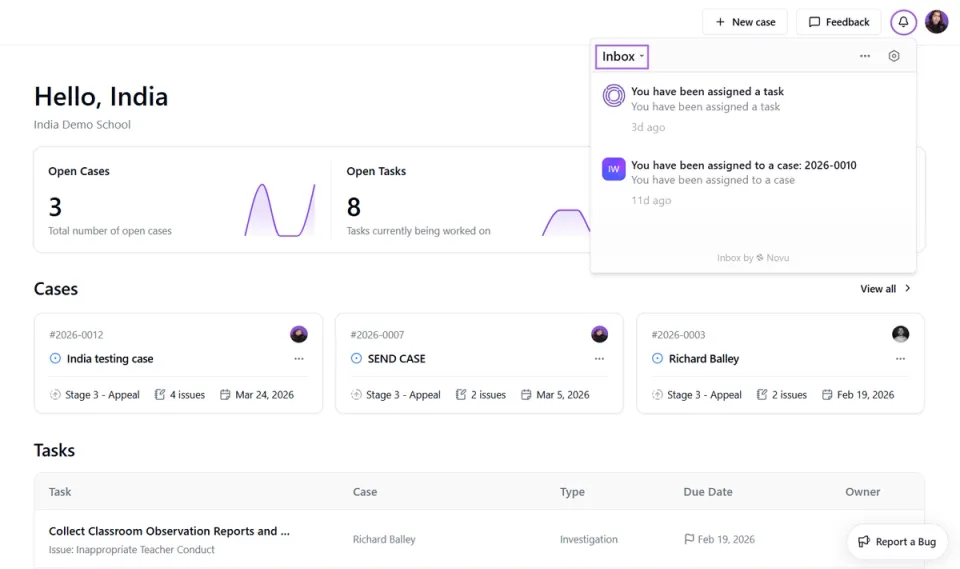
Web notifications can be viewed by clicking the Bell Icon in the top right corner of the platform. From here, you can click directly into the relevant case or task.
You can also Mark Notifications as Read, Archive or Snooze them by hovering over each one. Using the Inbox dropdown arrow, you can filter notifications by status (for example, to view only unread notifications).